
Getting Started with SmartMixin
Welcome to SmartMixin! This guide will help you get started with our weather monitoring platform.
Creating Your Account
-
Visit SmartMixin or download the mobile app
-
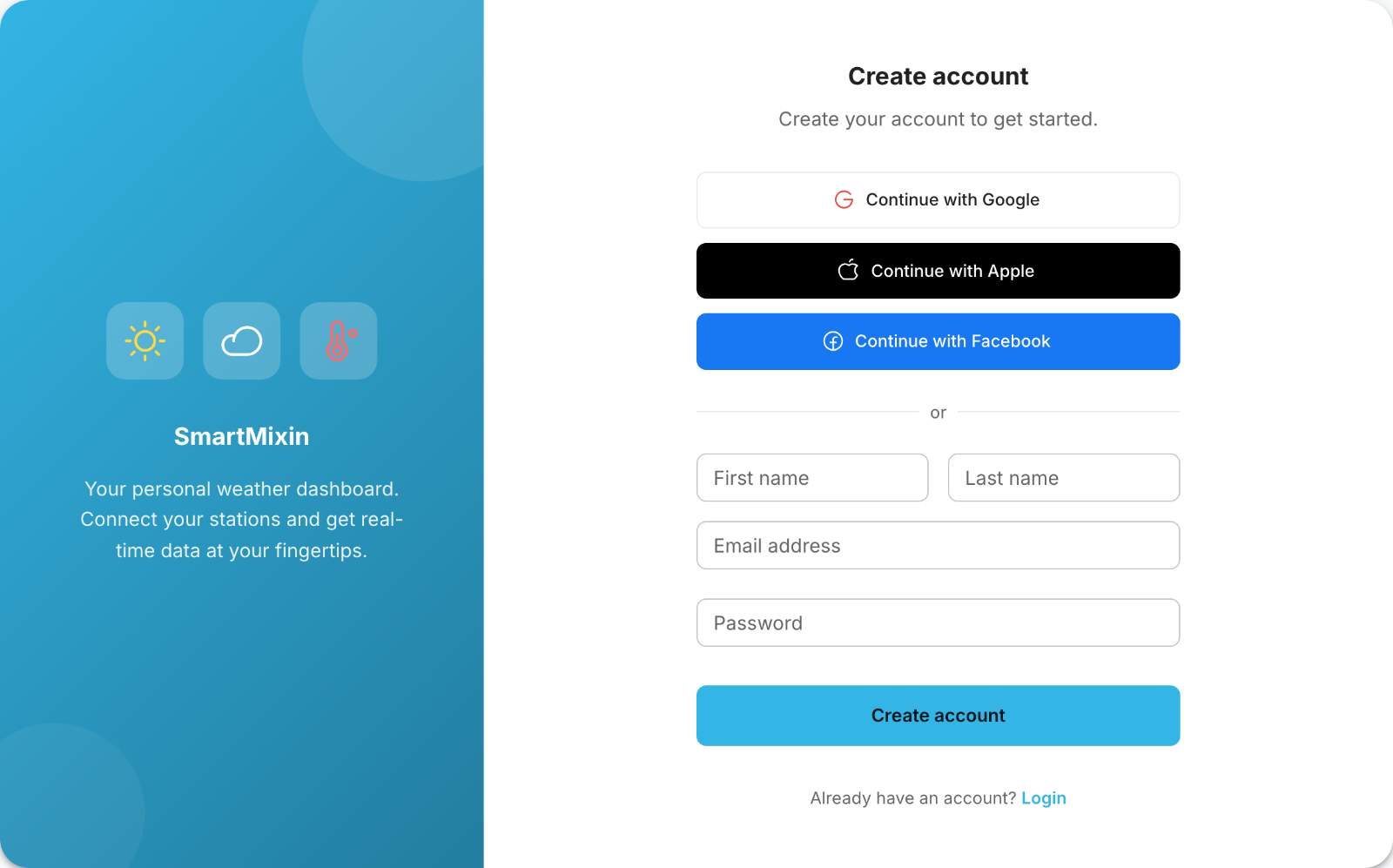
Click "Sign Up" or "Create Account"
-
Enter your email address and create a password
-
Verify your email address by clicking the link we send you
You can also sign up using your Google, Facebook, or Apple account for quicker access.
Setting Up Your Profile
After creating your account, you can customize your experience in Managing Your Account Settings:
- Set your preferred temperature units (Celsius/Fahrenheit)
- Choose your wind speed format
- Set your local timezone
- Configure your language preferences
Connecting Your First Weather Station
SmartMixin supports a wide variety of weather stations. Check out Connecting Your Weather Station for detailed instructions on connecting your specific device.
Exploring the Dashboard
Once your station is connected, your dashboard will show:
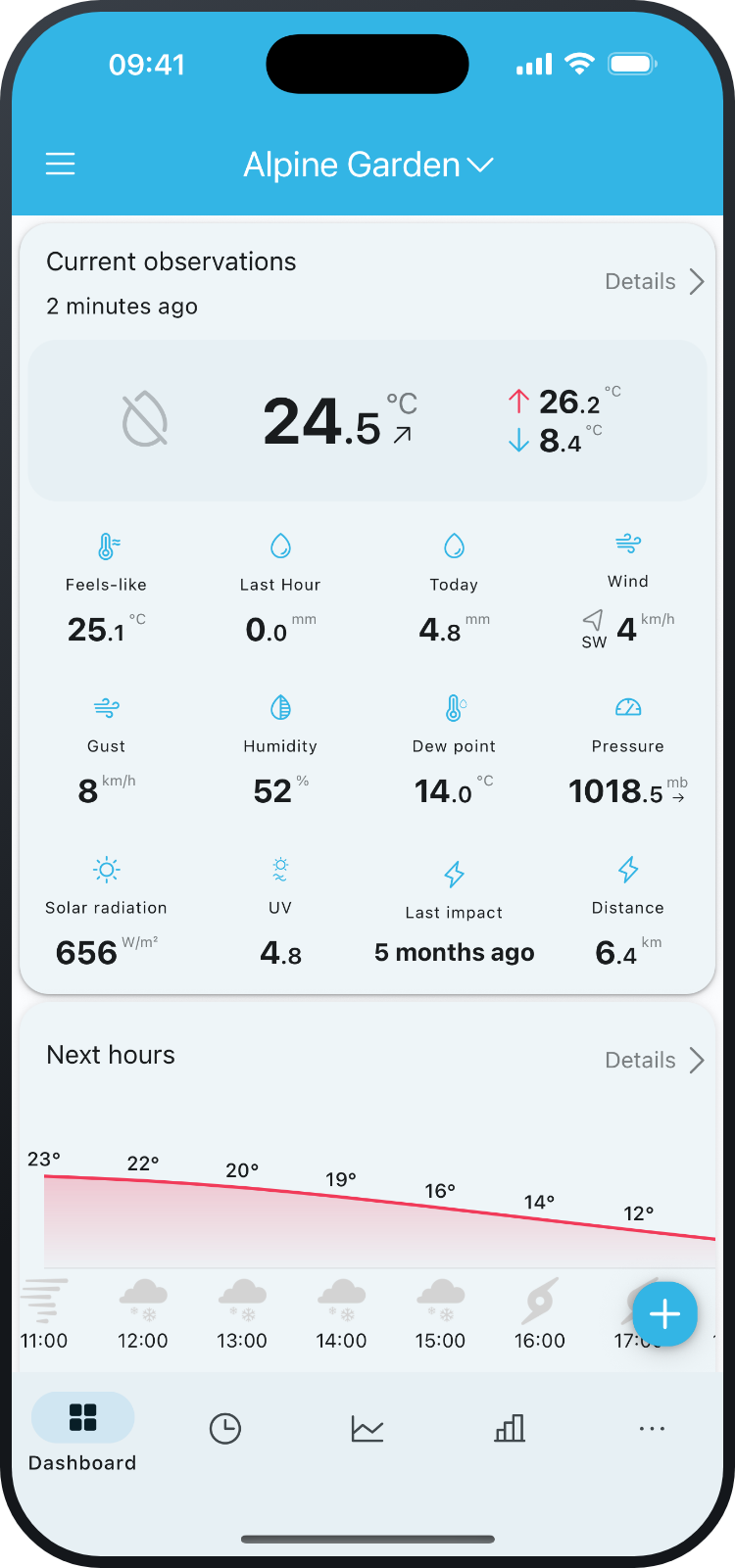
- Current weather conditions
- Historical data and trends
- Weather forecasts for your location
- Alerts and notifications
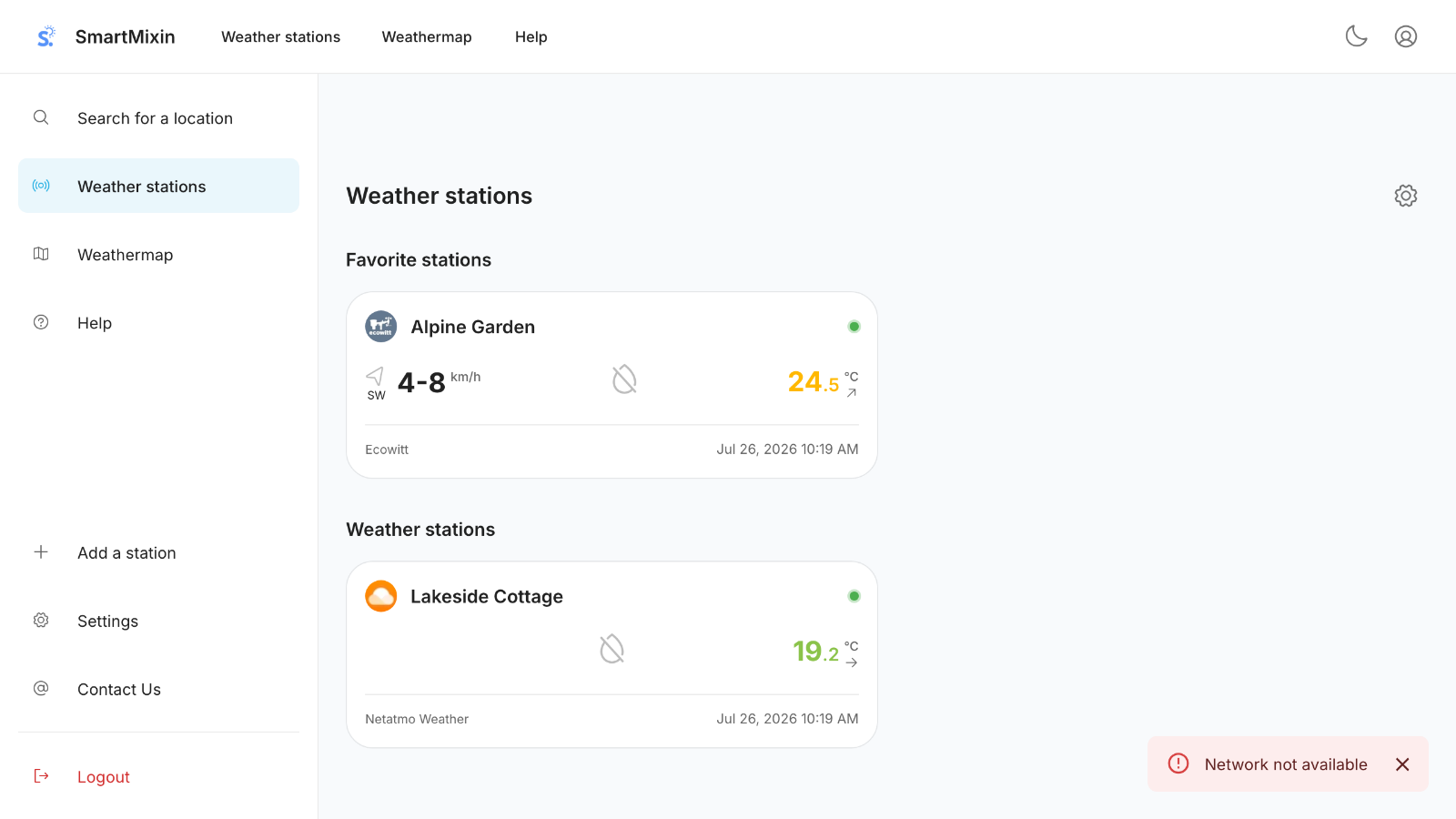
In the mobile app, your station dashboard looks like this:
Getting Help
If you need assistance, browse our help center articles or contact our support team. See Troubleshooting Common Issues for solutions to common problems.
Was this article helpful?
Still need help?
If this article didn't answer your question, I'm happy to help you directly.