
Connecting Your Weather Station
SmartMixin supports a wide variety of weather stations from different manufacturers. This guide will help you connect your station to our platform.
Supported Providers
We currently support the following weather station providers:
- Netatmo Weather - See Setting Up Netatmo Weather Station for details
- Netatmo Energy - See Setting Up Netatmo Energy for details
- Ecowitt - See Setting Up Ecowitt Weather Station for details
- Ambient Weather - See Setting Up Ambient Weather Station for details
- Davis Instruments - See Setting Up Davis Weather Station for details
- WeatherFlow Tempest - See Setting Up WeatherFlow Tempest for details
- Weather Underground - See Setting Up Weather Underground for details
- AcuRite - See Setting Up AcuRite Weather Station for details
General Connection Steps
-
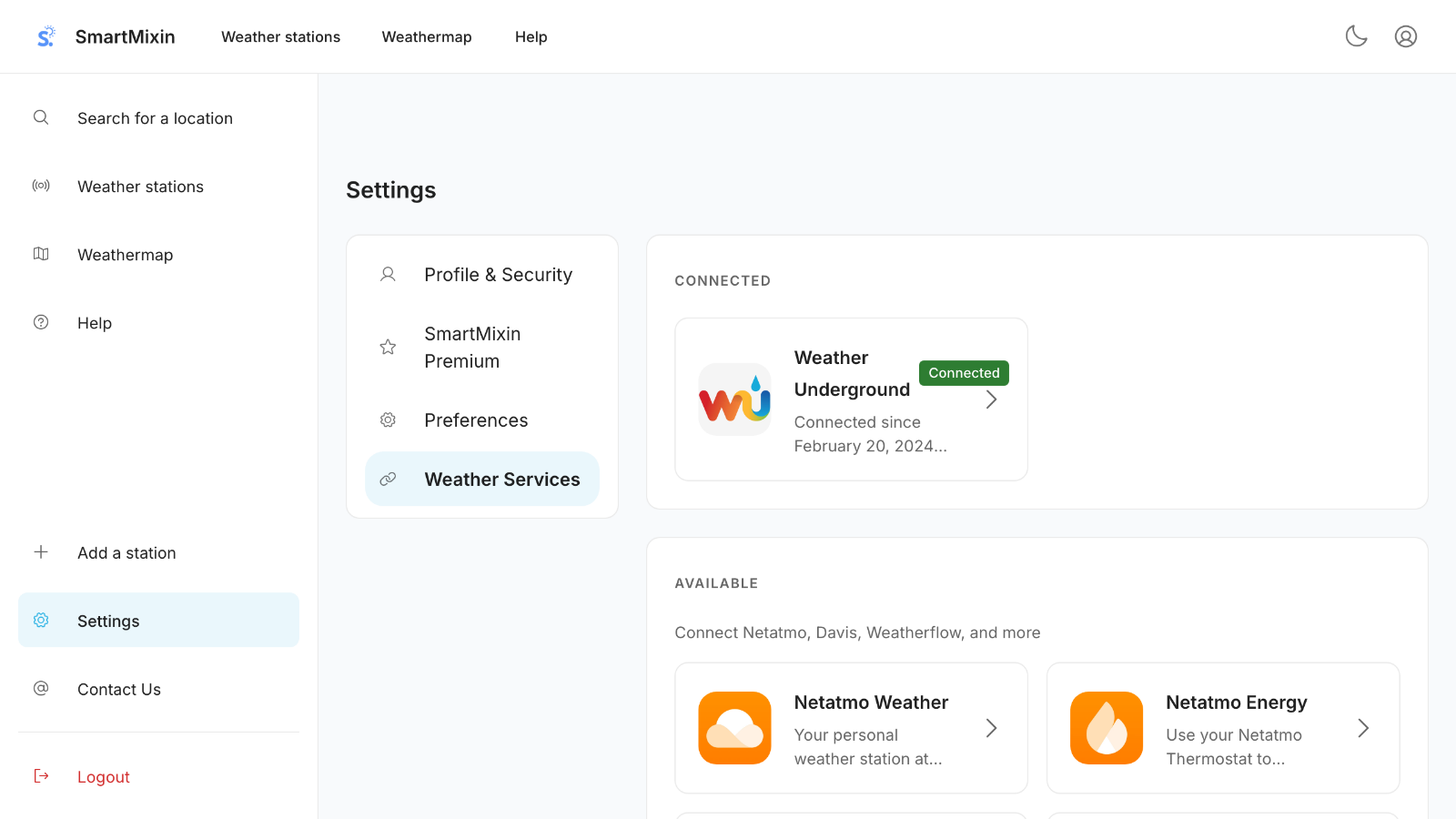
Navigate to Settings > Services
-
Find your weather station provider
-
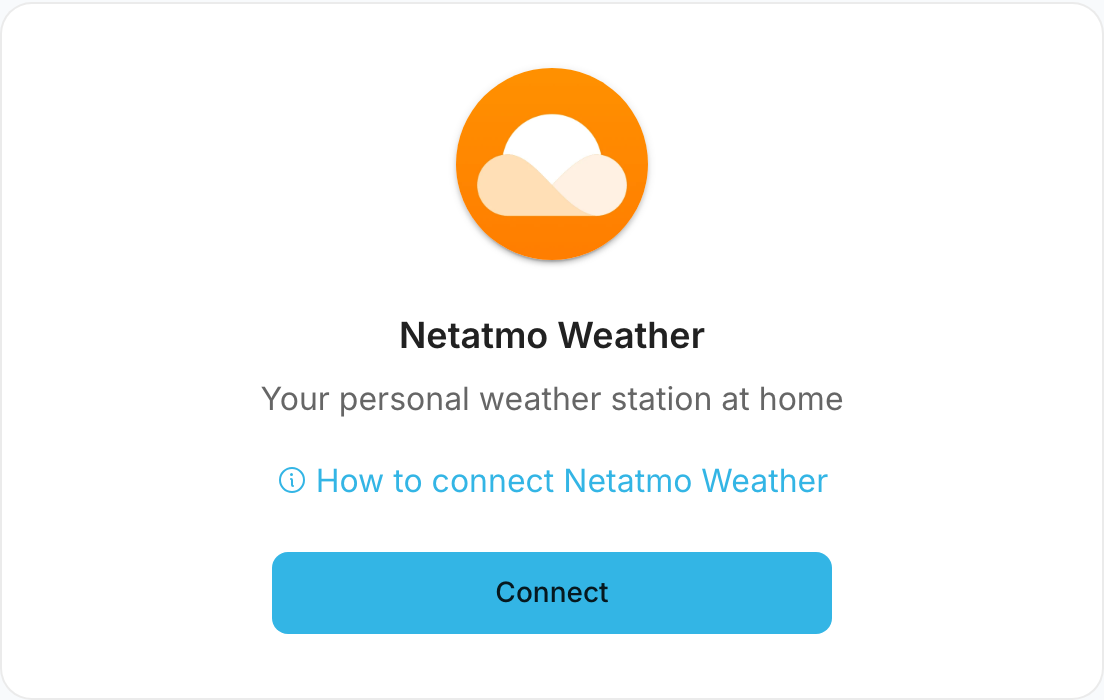
Click "Connect"
-
Follow the provider-specific authentication process
-
Select which stations to sync
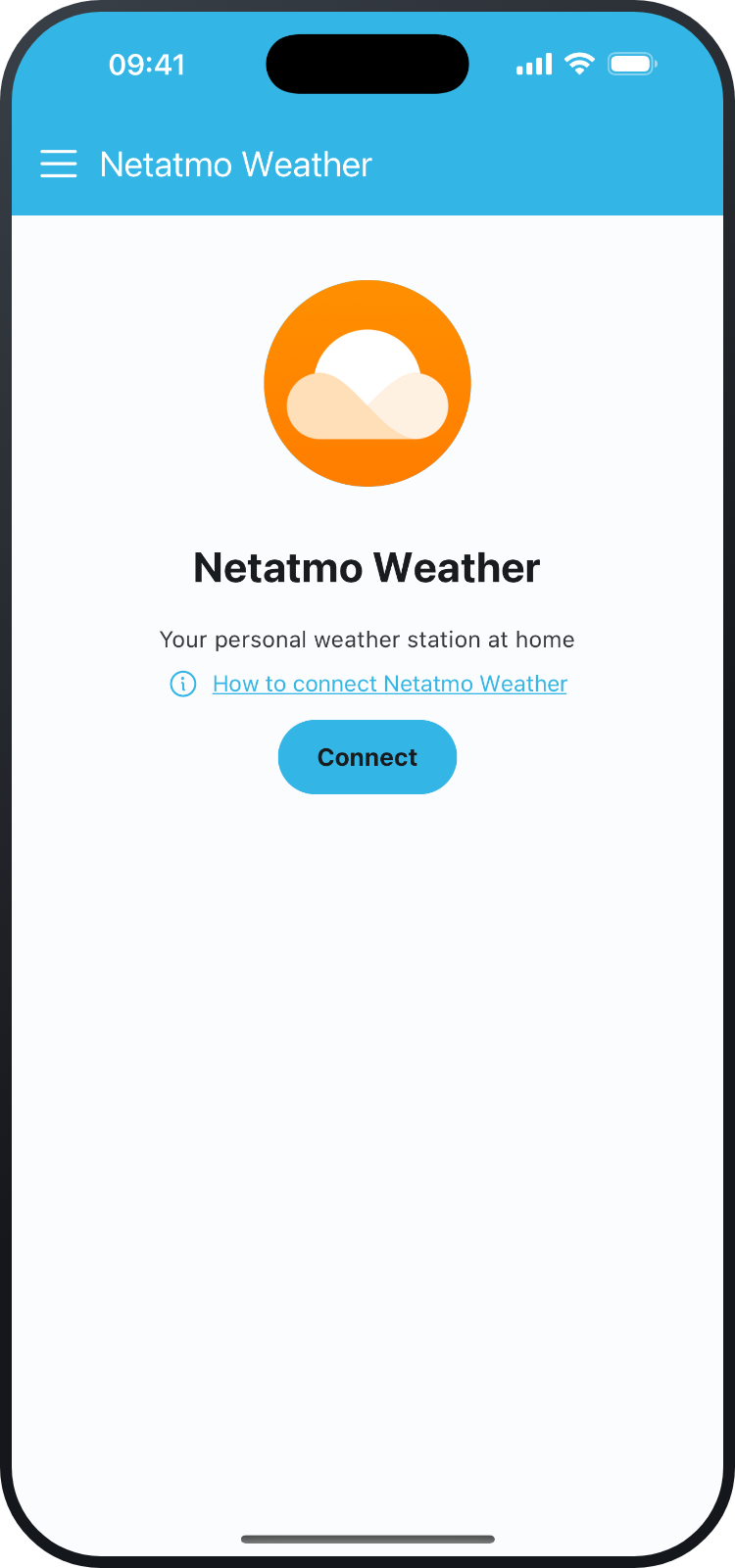
In the mobile app, choose Add your own station from the menu to reach the same providers:
Troubleshooting Connection Issues
If you're having trouble connecting:
- Ensure your station is online and transmitting data
- Check that your provider account credentials are correct
- Try disconnecting and reconnecting the service
- See Troubleshooting Common Issues for more help
Data Sync Frequency
Different providers have different sync frequencies:
| Provider | Sync Frequency |
|---|---|
| Netatmo | Every 10 minutes |
| Ecowitt | Every 5 minutes |
| Ambient Weather | Every 5 minutes |
| Davis | Every 15 minutes |
| WeatherFlow | Every 5 minutes |
| Weather Underground | Every 5 minutes |
| AcuRite | Every 5 minutes |
Multiple Stations
You can connect multiple weather stations from the same or different providers. Each station will appear separately in your dashboard.
Was this article helpful?
Still need help?
If this article didn't answer your question, I'm happy to help you directly.