
English
2 min read
Setting Up Netatmo Weather Station
This guide will help you connect your Netatmo Weather Station to SmartMixin.
Prerequisites
Before you begin:
- Ensure your Netatmo station is set up and connected to the Netatmo app
- Have your Netatmo account credentials ready
- Make sure your station is transmitting data
Connection Steps
-
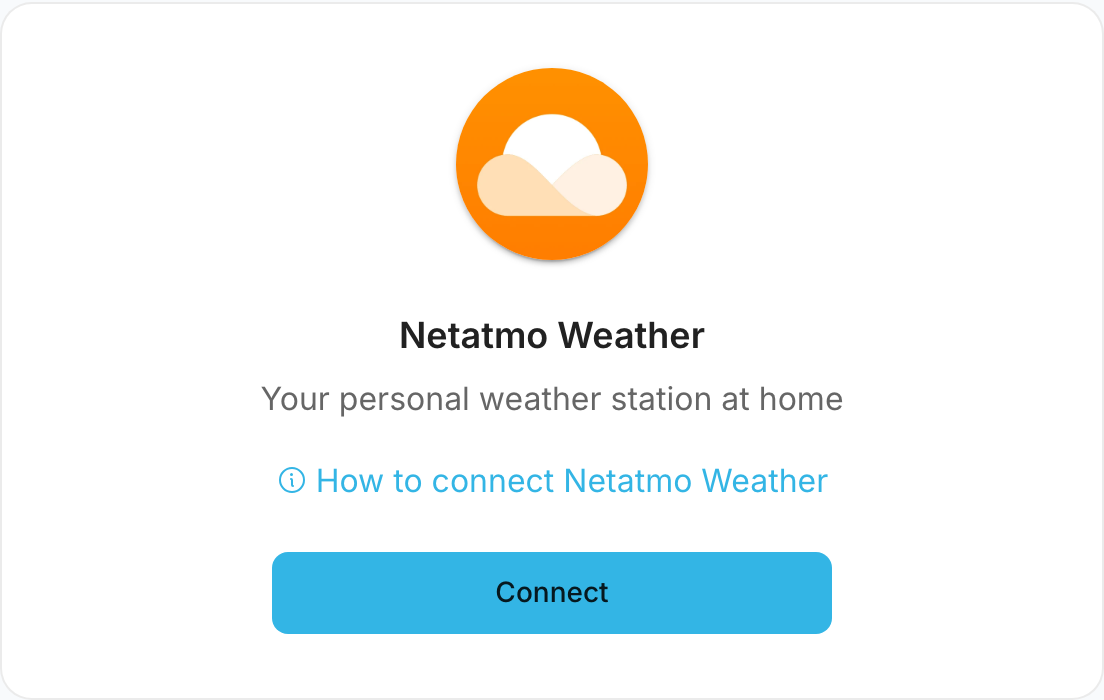
Go to Settings > Services > Netatmo Weather
-
Click Connect
-
You'll be redirected to Netatmo's authorization page
-
Log in with your Netatmo credentials
-
Grant SmartMixin permission to access your weather data
-
You'll be redirected back to SmartMixin
Available Data
SmartMixin can access the following data from your Netatmo station:
- Temperature (indoor and outdoor)
- Humidity
- Barometric pressure
- CO2 levels (indoor module)
- Noise levels (indoor module)
- Rain measurements (rain gauge)
- Wind speed and direction (wind gauge)
Additional Modules
If you have additional Netatmo modules:
- Indoor Module: Additional room temperature and humidity
- Rain Gauge: Precipitation measurements
- Wind Gauge: Wind speed, gusts, and direction
All connected modules will be automatically detected.
Disconnecting
To disconnect your Netatmo account:
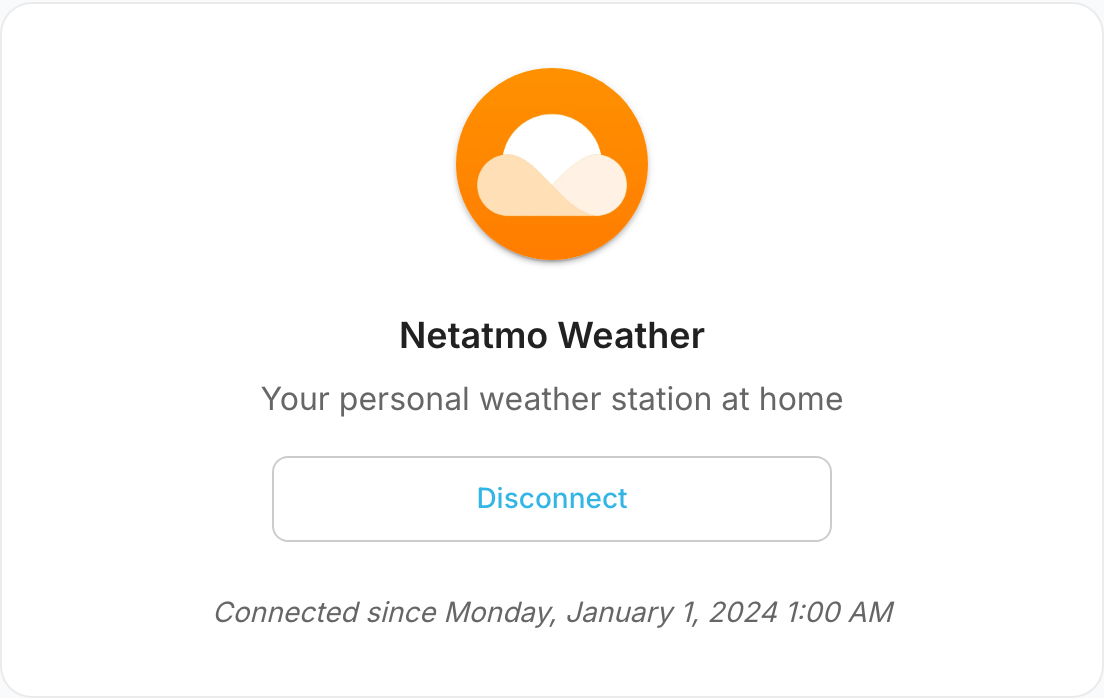
- Go to Settings > Services > Netatmo Weather
- Click Disconnect
This will remove access but won't affect your Netatmo account.
Was this article helpful?
Still need help?
If this article didn't answer your question, I'm happy to help you directly.